
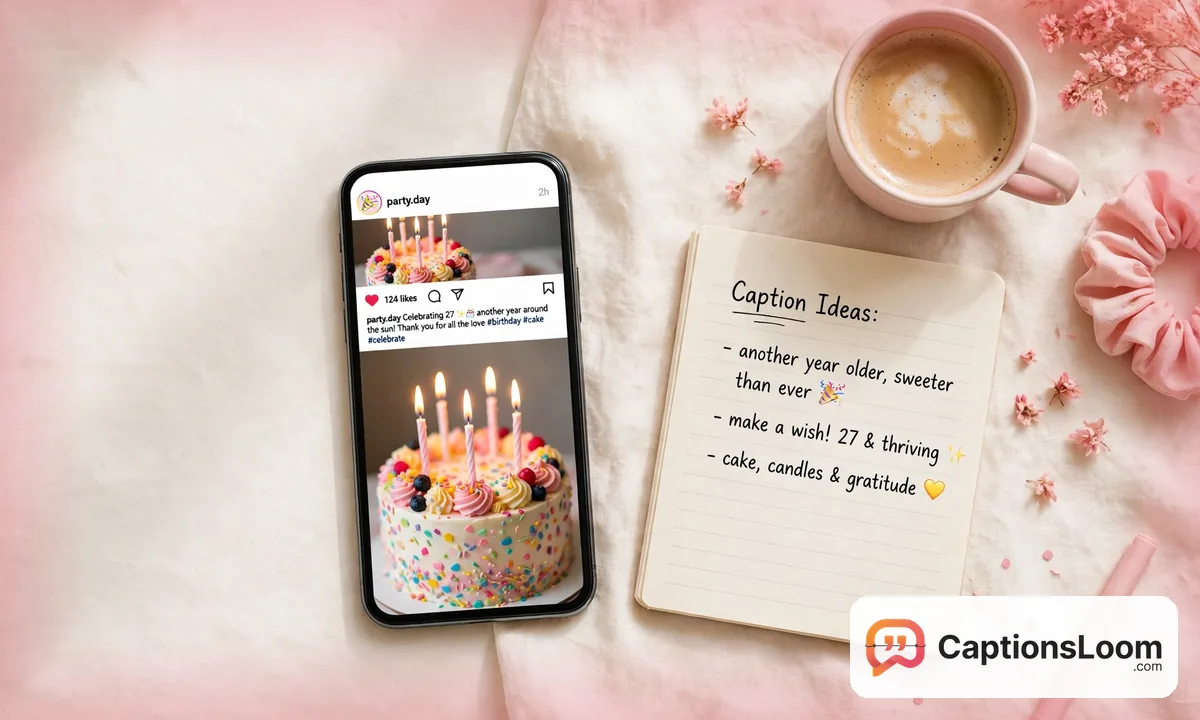
Staring at a photo with no idea what to write under it? This free Instagram caption generator fixes that in seconds. Pick a category, choose a vibe, and get captions that real people wrote, sorted and ready to copy. No sign-up, no limits, and no robotic AI lines that sound like everyone else’s post.
Inside the tool you will find 6,989+ human-written captions across 24 categories, from birthdays and beach days to gym selfies and museum visits. You can edit any caption in place, preview exactly how it will look on Instagram (including the spot where the feed cuts your caption off), save your favorites, and copy matching hashtags with one tap.
Your captions
Tap the heart on any caption to save it here.
How to Use This Instagram Caption Generator
- Pick a category. Choose the occasion that matches your photo, like Birthday, Beach, Funny, or Selfie. Tap Surprise Me if you want a mix of everything.
- Pick a vibe. Narrow the results with a mood like Funny, Cute, Sassy, Short, or One Word, or leave it on Any.
- Add your own word (optional). Type any word, like sister, sunset, or coffee, and captions containing that word come first.
- Generate and copy. Tap Generate Captions, tap any caption to preview it on the phone, edit the words if you like, then hit Copy. Use More Like This for the same style, and the heart button to save captions for later.
Why a Human-Written Library Beats an AI Caption Generator
Most tools calling themselves an AI caption generator write a brand new line every time you click, and the results show it: the same recycled phrases, the same emoji patterns, the same flat tone your followers have already seen a hundred times. This caption maker works differently. Every caption here was written by a person, checked, and sorted by occasion and mood, so what you copy sounds like something a real account would post. Think of it as a caption writer with a library, not a slot machine.
| Compare | AI caption generators | CaptionsLoom library |
| Caption source | Written fresh by a model on every click | Written and edited by humans, sorted by occasion |
| Sign-up | Often required after a few free tries | Never required |
| Cost | Free tier with paid upgrades | 100% free, unlimited generations |
| Editing results | Locked text on most tools | Click any caption and edit the words in place |
| Hashtags | A dumped block of 30, or a separate tool | A small researched set for each category |
| Post preview | None | Live Instagram preview with the 125 character fold line |
| Occasions covered | Whatever the prompt produces | 24 categories, 6,989+ captions and growing |
Captions for Every Occasion
A caption generator is only as good as the moments it covers. Ours grew out of the same library behind our caption guides, so every big posting occasion is already handled. Start with our most loved collections: birthday captions for Instagram (586 captions), funny captions for Instagram (354), baddie captions for instagram (300), beach captions for instagram (259), captions for museum visits (260), and halloween captions for instagram (575). Inside the generator you will also find wedding, graduation, vacation, prom, selfie, coffee, food, gym, concert, car, smile, Friday, winter, fall, Christmas, Thanksgiving, and New Year captions, each one a tap away.
What Is a Caption?
A caption is the text that appears under a photo or video on Instagram. It is where the picture gets its voice: the joke, the story, the feeling, or the detail the image alone cannot say. A photo shows your followers what happened; the caption tells them why it mattered and what to do next, whether that is laughing, commenting, saving the post, or tapping your link.
On Instagram a caption can run up to 2,200 characters, but the feed only shows roughly the first 125 characters before hiding the rest behind a “more” link. That first line does the heavy lifting, which is why every caption in this tool is checked against that fold line in the live preview.
What Makes a Good Instagram Caption?
- A hook in the first line that makes someone stop scrolling
- A voice that sounds like you, not like a template
- One clear idea per caption instead of three topics fighting
- A gentle call to action, like a question followers can answer
- A few specific hashtags that match the photo, not a wall of thirty
How to Caption a Photo in 5 Steps
- Name the moment. Decide what the photo is really about in one plain sentence, like “my sister’s birthday dinner” or “first beach day of summer.”
- Pick the matching category above. The generator filters 6,989+ captions down to the ones written for that exact moment.
- Choose a vibe that fits your account. Funny for a playful feed, Classy for a polished one, Sassy when the photo has attitude.
- Check the fold. Select a caption and look at the phone preview. If the best part sits below the fold line, edit the caption so the hook lands first.
- Add hashtags and post. Copy the caption together with its category hashtag set, paste it into Instagram, and you are done.
Instagram Caption Length: Limits and Sweet Spots
Longer is not better, and shorter is not always stronger. What matters is where the value sits. Use this table as your guide, then watch the character counter in the preview while you edit.
| Post type | Character limit | Sweet spot |
|---|---|---|
| Feed post | 2,200 characters | Hook inside the first 125 characters; 138 to 150 characters total works well for quick posts |
| Reels | 2,200 characters | A short first line that adds context the video cannot show |
| Stories | No caption field | One or two short text lines on the visual itself |
| Profile bio | 150 characters | One clear line about who you are |
Hashtag Strategy That Actually Works
Hashtags help the right people find your post, but only when they describe what is actually in it. Instagram allows up to 30 per post, yet three to five specific hashtags almost always beat a block of thirty generic ones, and they keep your caption looking clean. That is why this generator gives you a small researched set for every category instead of a spammy dump. Copy them with the caption, or copy them on their own and place them in the first comment if you prefer a cleaner look.
7 Caption Mistakes That Kill Your Reach
- Burying the hook. If the interesting part starts after character 125, most followers never see it.
- Copying the same caption style as everyone else. Identical AI sounding lines train followers to scroll past.
- Using 30 generic hashtags like #love and #instagood that put you in a crowd of millions.
- Writing a caption that has nothing to do with the photo. The mismatch kills comments, and comments drive reach.
- Forgetting the call to action. No question and no invitation usually means no replies.
- Posting without a preview. Typos, broken line breaks, and cut off endings are easy to catch in the phone preview and embarrassing without it.
- Never saving what works. When a caption earns strong comments, save the style and reuse the pattern. The heart button in the tool keeps your winners in one list.
Frequently Asked Questions
What is an Instagram caption generator?
An Instagram caption generator is a free online tool that gives you ready to post captions for your photos and videos. This one works from a human-written library of 6,989+ captions in 24 categories, so you pick an occasion and a vibe instead of typing prompts and hoping the output sounds like you.
Is this Instagram caption generator free to use?
Yes, it is completely free, with no sign-up and no generation limits. You can generate, edit, save, and copy as many captions as you like, and the hashtag sets and live preview are free too. There is no paid tier hiding the good captions.
How do I generate a caption for my photo?
Pick the category that matches your photo, like Beach for a beach picture or Birthday for a birthday post. Add a vibe or your own word if you want, tap Generate Captions, and choose the line you like. Tap it to see it on the phone preview, edit if needed, and copy.
How long should an Instagram caption be?
An Instagram caption can be up to 2,200 characters, but the feed shows only about the first 125 before the “more” link. Put your hook inside those first 125 characters. Short captions around 138 to 150 characters suit quick posts, while stories and announcements can run longer when every line earns its place.
How many hashtags should I use on Instagram?
Use three to five specific hashtags that match your photo. Instagram allows up to 30, but a small relevant set looks cleaner and targets the right audience. This generator includes a researched hashtag set for every category, ready to copy with your caption or on their own.
Can AI write Instagram captions?
AI can write Instagram captions, but its lines often sound generic, repeat the same phrases across accounts, and miss your personal voice. Many posters use AI for a first draft, then rewrite. The captions in this tool skip that step because people wrote and sorted them by occasion in the first place.
How do I edit an Instagram caption after posting?
Open your post, tap the three dots above it, and choose Edit. Change the caption text, then tap Done to save. You can edit a caption as many times as you like, and editing does not remove likes or comments, so fixing a typo or improving a weak first line is always worth it.
Can I use these captions for Reels and Stories too?
Yes, every caption in this tool works for Reels and feed posts, and the short and one word styles suit Stories as text overlays. For Reels, keep the first line short so it adds something the video itself does not show, and let the preview counter keep you inside the limit.
Caption Your Next Post in Seconds
A great photo deserves better than a blank caption box. Pick your category in the generator above, find the line that sounds like you, check it against the fold, and post with confidence. The library grows with every new caption guide we publish, so the next time you are stuck, there will be even more waiting for you here.